
How to post in the support forum?
Please see detailed step by step guide below on how to post a question in the product support forum;
-
Create an EO account if you do not already have one
- Click here to open the registration screen;
- Fill in the form and click Create Account button to create an account;
- Once the account is created, you should be automatically logged into the website. If you are not logged in, continue to step 2;
-
If you have already registered, log into your account
- Click here to open the login screen;
- Once you are logged in, your display name should be displayed in place of the sign in button on the main menu;
-
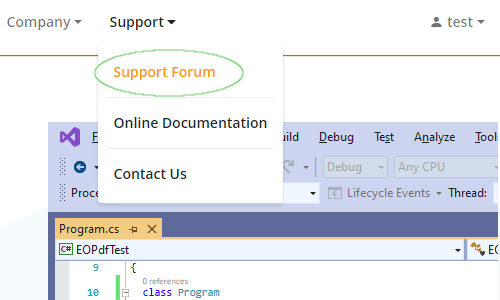
If you are not already on the support forum main screen, select Support -> Support Forum from the main menu
-
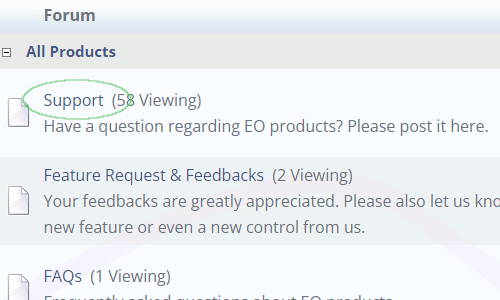
Select a forum (category) that fits your question the best
For example, if you wish to request a new feature, you can post in Feature Request & Feedback category. Most questions should be posted in Support category;
-
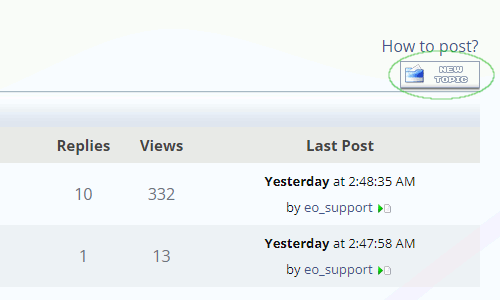
Click the New Topic button to go to the new topic screen
If you do not see the New Topic button, then you are not logged in -- please see step 2;
-
Fill the form on the New Topic screen
After you fill the form, click Post to post the message.
